Activity log
A timeline of recent activity on your own account - sign-ins, sign-outs, and security-relevant changes - so you can confirm nothing unexpected has happened.
-
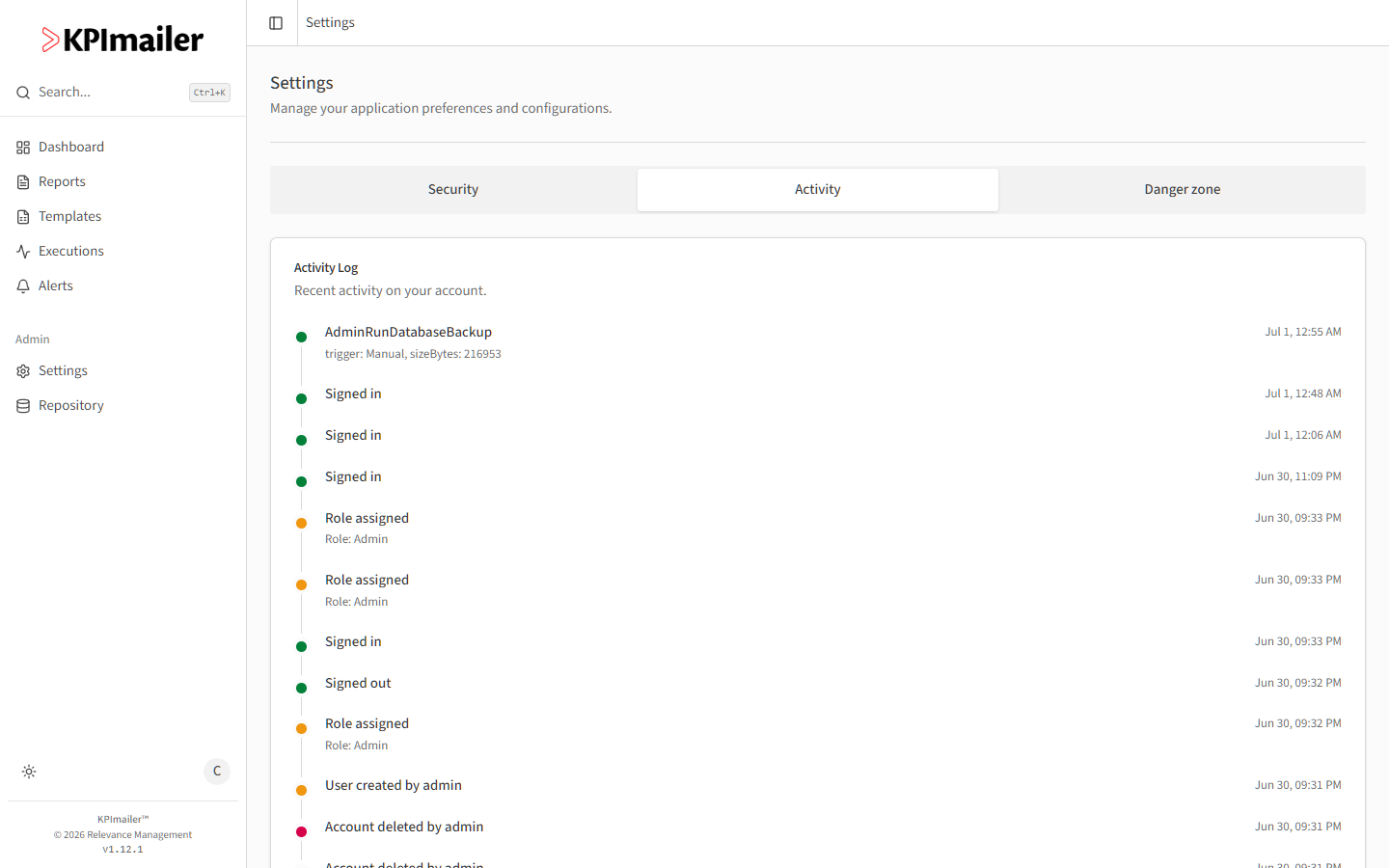
Select your avatar in the top-right corner, then Settings, then the Activity tab.
-
Each entry shows what happened and when, color-coded by type - sign-ins and sign-outs, role changes, and other account events. Some entries, like a triggered backup or a role change, include extra detail underneath (for example, which role was assigned).
-
Select Show older events to load earlier history beyond what’s shown initially.
Worked example
Section titled “Worked example”A user wants to confirm they only signed in from their usual devices recently. They open Settings → Activity and scan the Signed in entries’ timestamps - all of them line up with when they remember logging in, with no unexpected entries in between.