Creating an alert
Creates an alert that emails a group of recipients automatically whenever the Qlik event you’re watching happens - independent of any report.
-
Go to Alerts in the sidebar and select New alert.
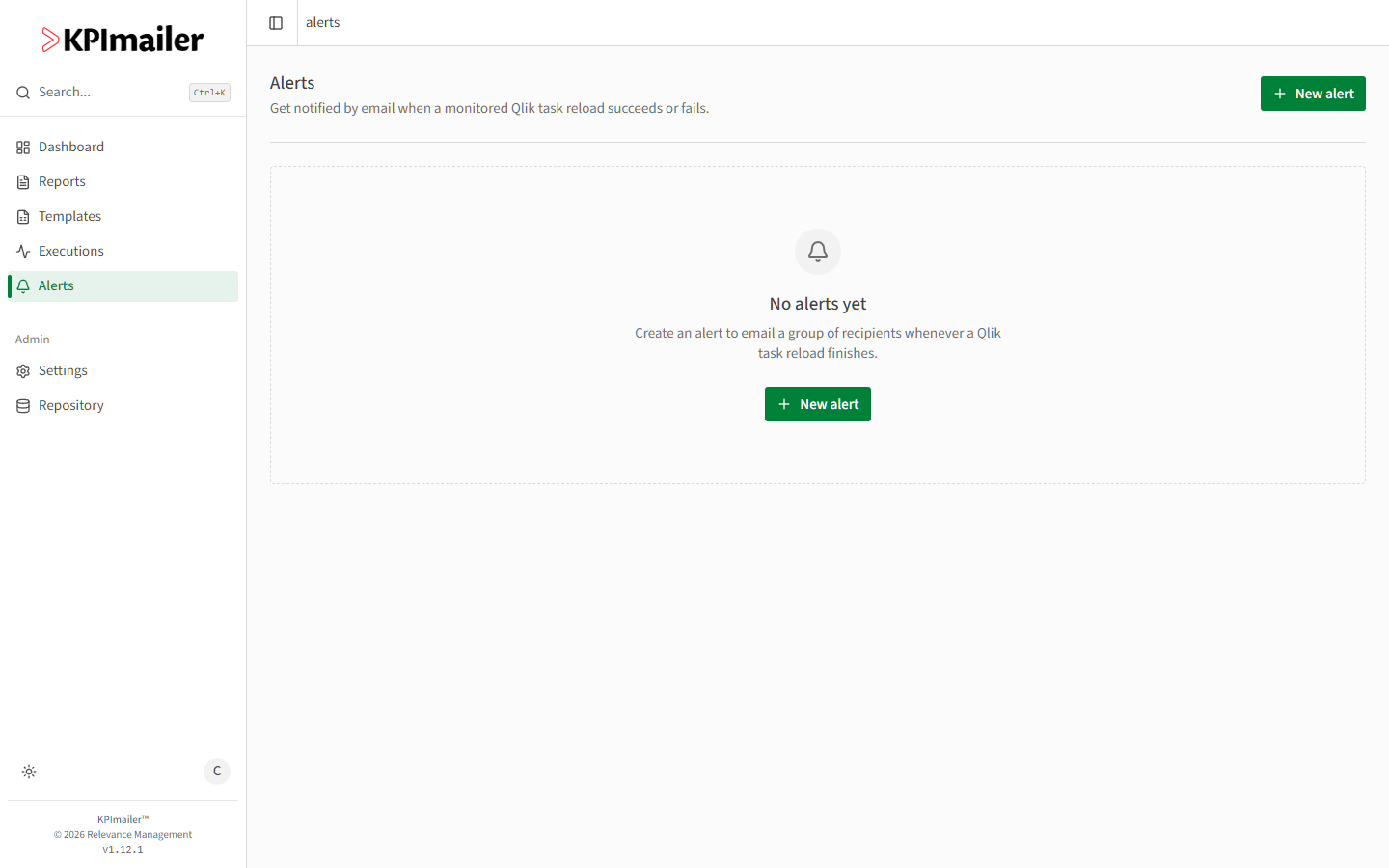
-
Choose what to watch - a Qlik task reload, a report’s execution, or a Qlik Cloud app reload - and pick the specific one from your connected Qlik servers or reports.
-
Choose when it should fire: on success, on failure, or whenever the watched event finishes either way.
-
Pick the recipient group to notify, and give the alert a clear name.
-
Save. The alert runs automatically from then on - there’s nothing to schedule separately.
Worked example
Section titled “Worked example”A nightly Qlik reload feeds the sales dashboard, and the data team wants to know immediately if it fails so they can fix it before the morning. They create an alert watching that reload task, set it to fire on failure, and point it at the Data Team recipient group. If the reload fails overnight, the group gets an email before anyone opens the dashboard.