Per-app settings
Sets two optional, per-app behaviors: a filter applied before syncing the app’s data, and a default Qlik theme to render it with.
-
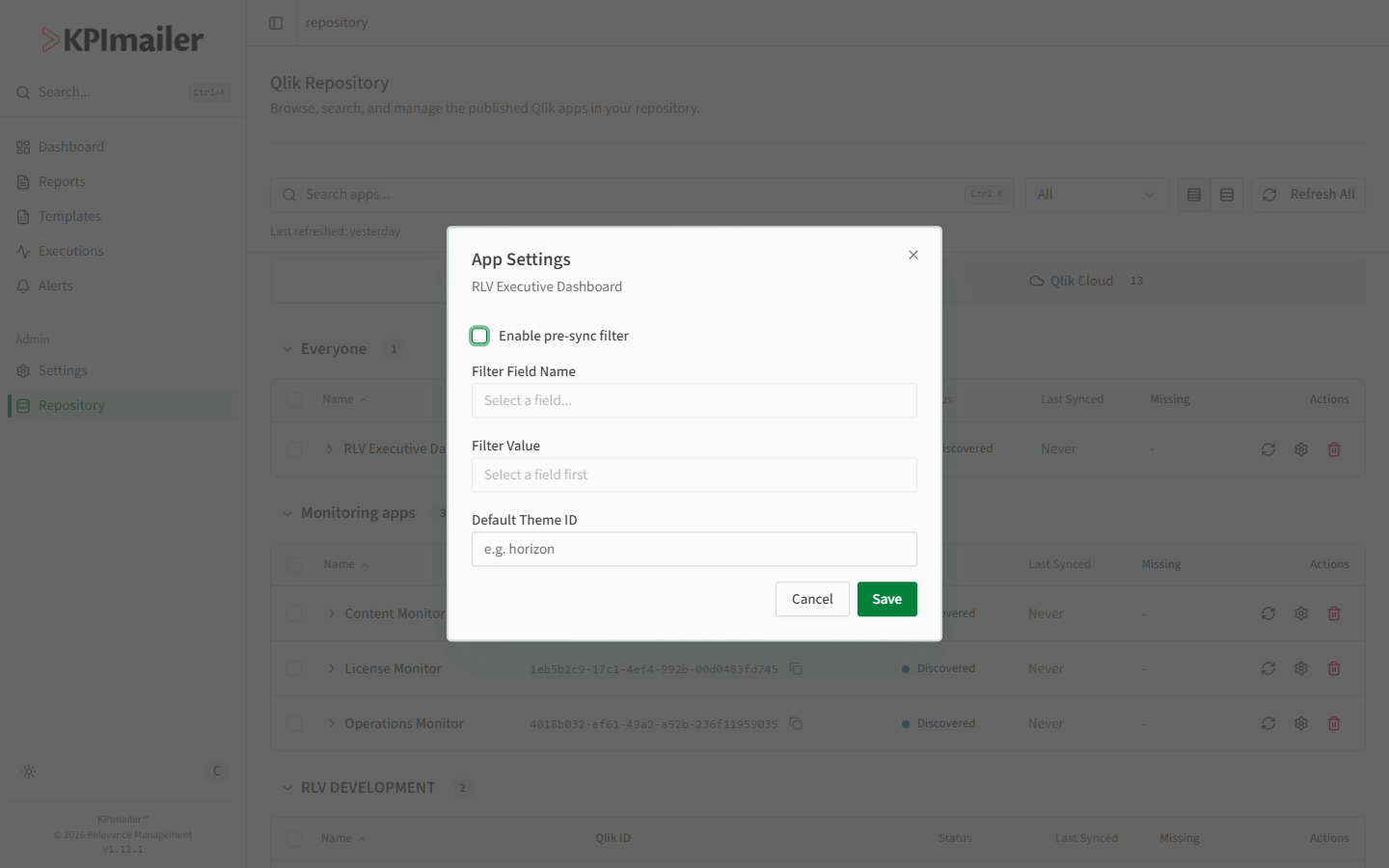
In Repository, select the Settings (gear) icon on an app’s row.
-
Turn on Enable pre-sync filter to scope what KPImailer pulls in: choose a Filter Field Name and a Filter Value, so only matching data is considered when this app syncs.
-
Set a Default Theme ID to have reports and templates built against this app render using that Qlik theme unless overridden.
-
Select Save.
Worked example
Section titled “Worked example”A shared Qlik app contains data for every region, but a particular KPImailer setup should
only ever report on the “EMEA” slice. An administrator opens that app’s Settings, enables
the pre-sync filter, sets the Filter Field Name to Region and the Filter Value
to EMEA, and saves - every future sync, and everything built from this app, is scoped to
EMEA data only.