Retention policy
Sets how long four kinds of history are kept before daily cleanup jobs remove them.
-
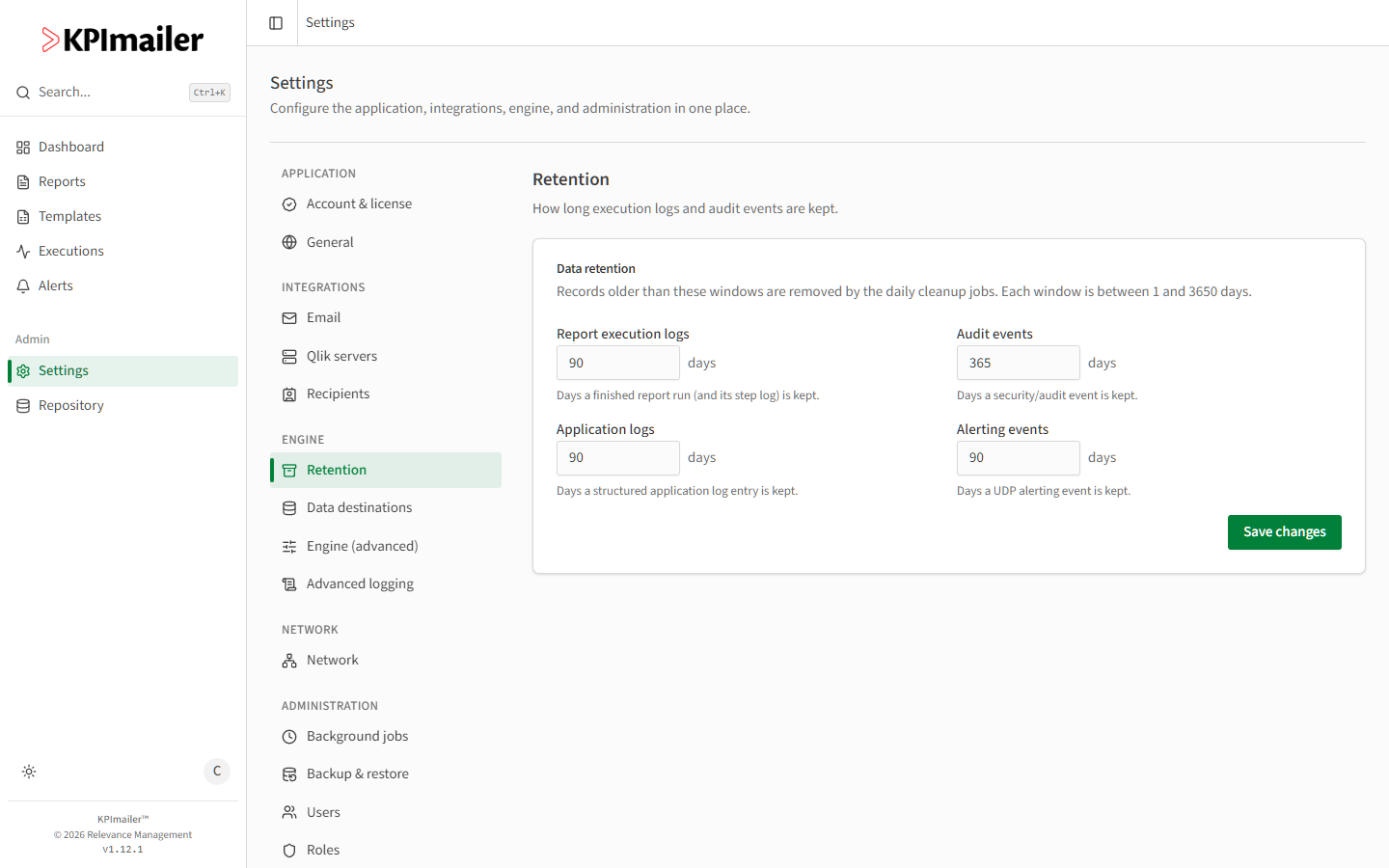
Open Settings → Retention.
-
Set each window, in days (1 to 3650):
- Report execution logs - how long a finished report run, and its step log, is kept.
- Audit events - how long a security/audit event is kept.
- Application logs - how long a structured application log entry is kept.
- Alerting events - how long a UDP alerting event is kept.
-
Select Save changes.
Records older than each window are removed automatically by the daily cleanup jobs - you can
see them run under Background jobs as
report-log-retention, audit-event-cleanup, application-log-retention, and
alerting-event-retention.
Worked example
Section titled “Worked example”A team needs to keep a year of audit history for compliance, but doesn’t need report execution logs beyond a couple of months. An administrator sets Audit events to 365 days and leaves Report execution logs at the default 90 - each category is cleaned up on its own schedule going forward.