Testing & preview
Lets you check a report works correctly before recipients ever see it - either a rendered preview with nothing sent, or a real test run sent only to people you choose.
Preview
Section titled “Preview”Select Preview in the top bar at any point while editing to render the report exactly as a real run would produce it, live against current Qlik data - nothing is sent.
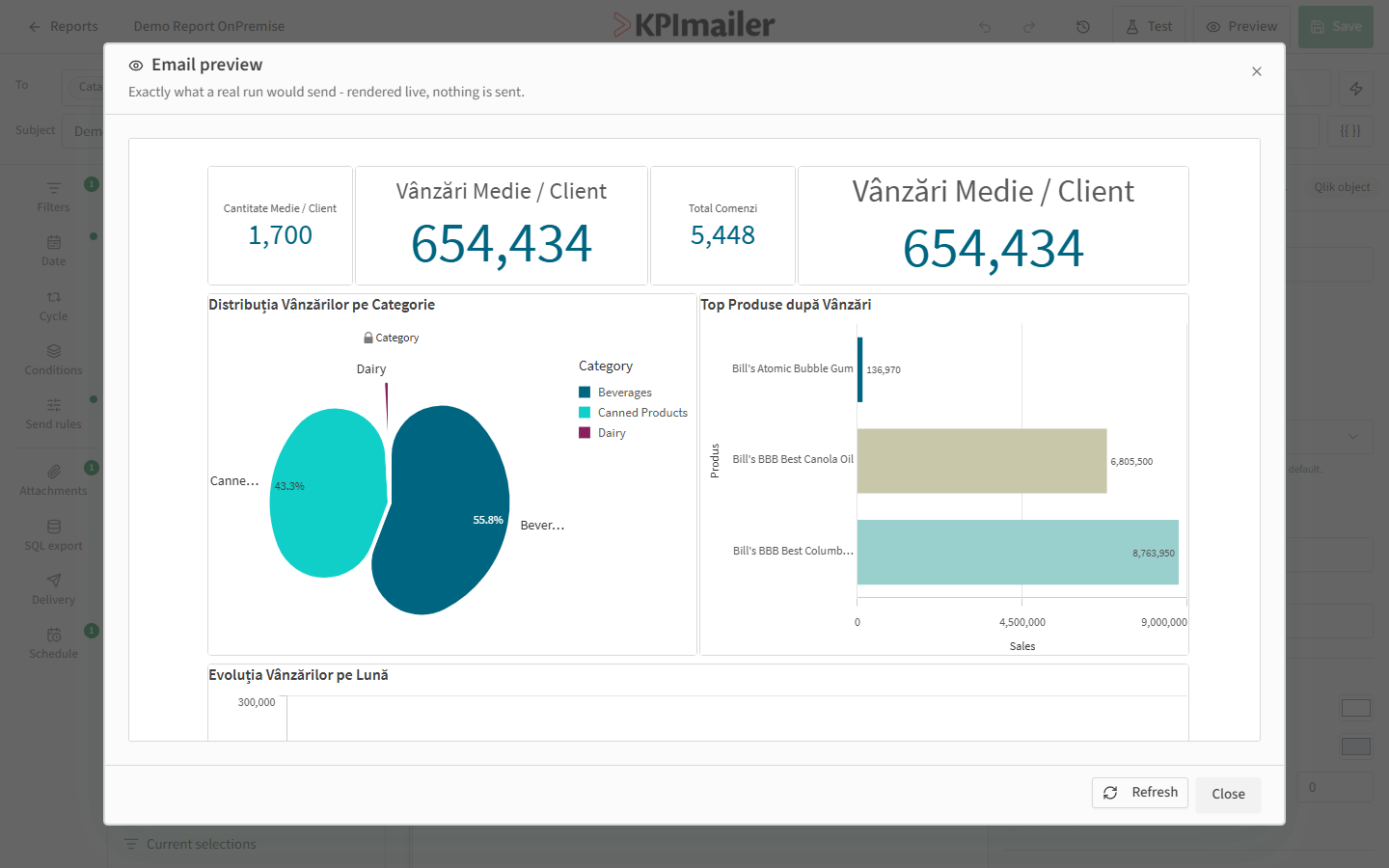
Use Preview liberally while designing the layout - it’s the fastest way to confirm cells, sections, and theming look right without waiting for a scheduled run or sending a real email.
Send a test
Section titled “Send a test”Select Test in the top bar to actually run the report and email it, but only to recipients you specify there - never the report’s real recipient list.
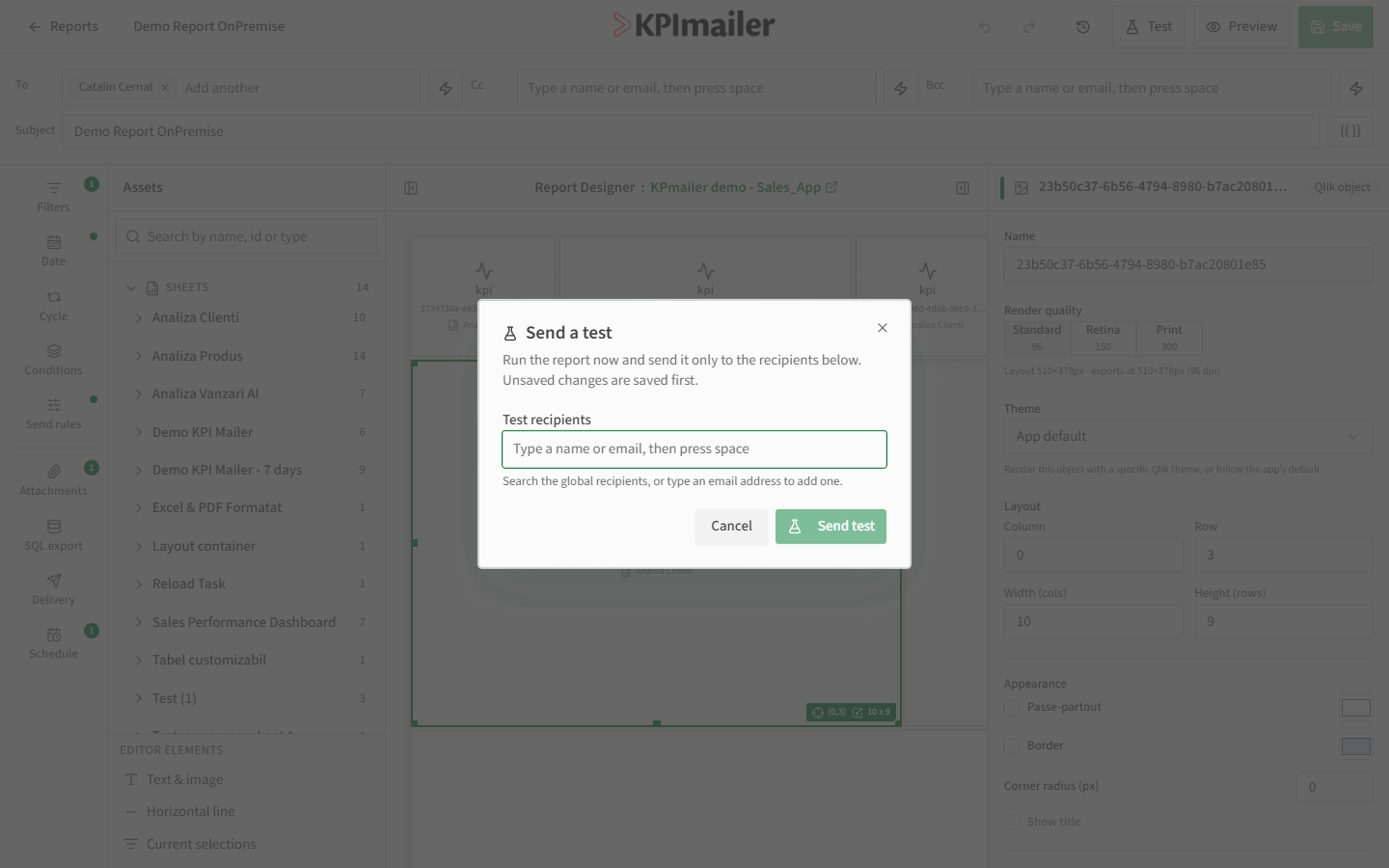
Add one or more Test recipients (searched from the same registry as regular recipients, or typed directly), then select Send test. KPImailer saves any unsaved changes first, so what you test is exactly what’s currently in the editor.
Worked example
Section titled “Worked example”After reworking a report’s layout and attachments, the author first uses Preview a few times while adjusting cell sizes, then once satisfied, selects Test and sends it to themselves and a colleague to double check the Excel attachment opens correctly before scheduling it for the whole team.