General
Sets the single time zone the whole installation runs on.
-
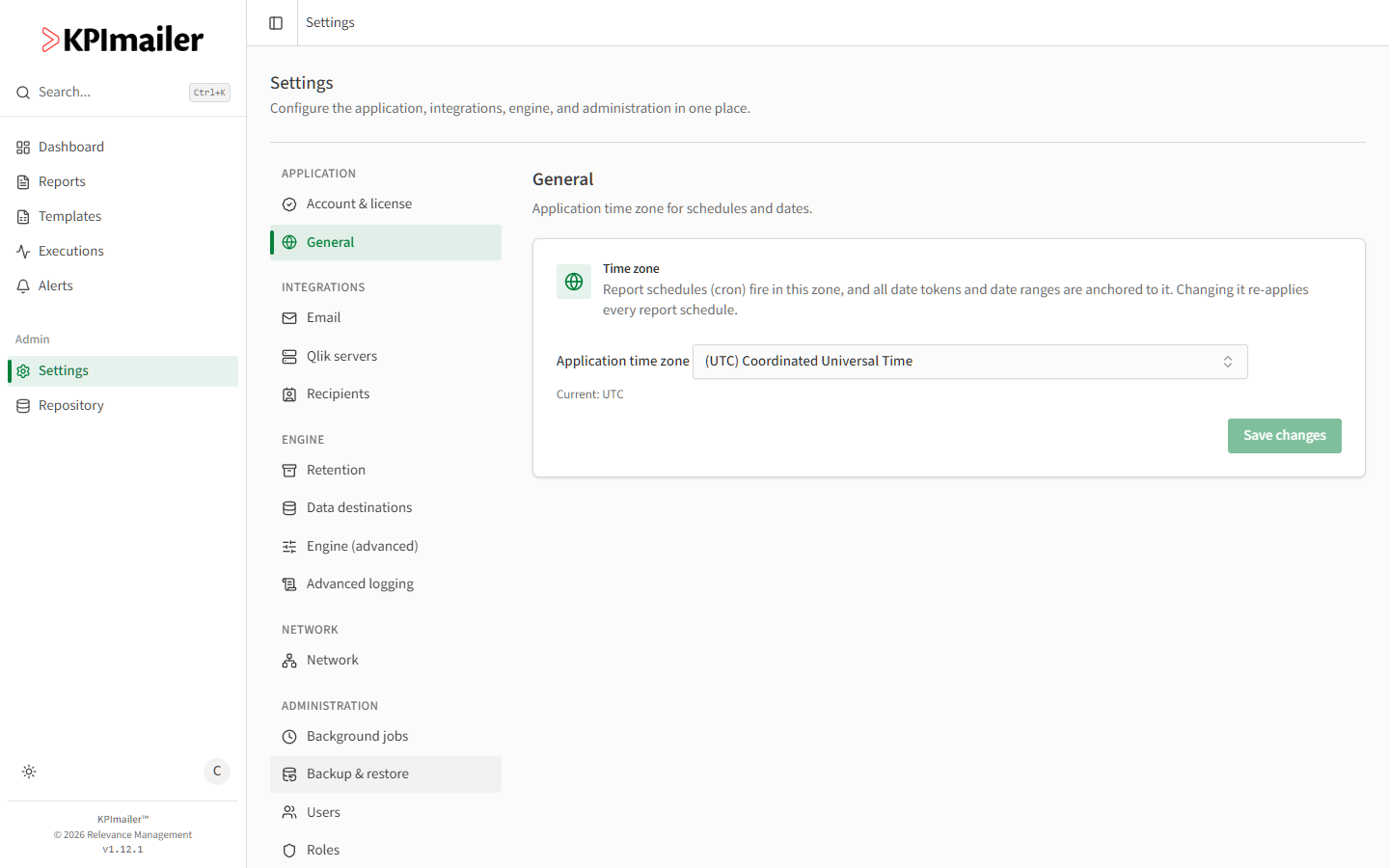
Open Settings → General.
-
Choose the Application time zone from the dropdown.
-
Select Save changes.
Report schedules (cron expressions) fire in this zone, and every date token and date range in a report is anchored to it.
Worked example
Section titled “Worked example”A KPImailer installation was set up with the default UTC time zone, but the team it serves works on Eastern European Time. An administrator changes Application time zone to the correct zone and saves - every cron-scheduled report now fires at the intended local time, and date tokens like “yesterday” in report subjects line up with the team’s calendar day instead of UTC’s.