SQL data exports
Writes a Qlik object’s data straight into a database table every time the report runs, instead of (or alongside) emailing it.
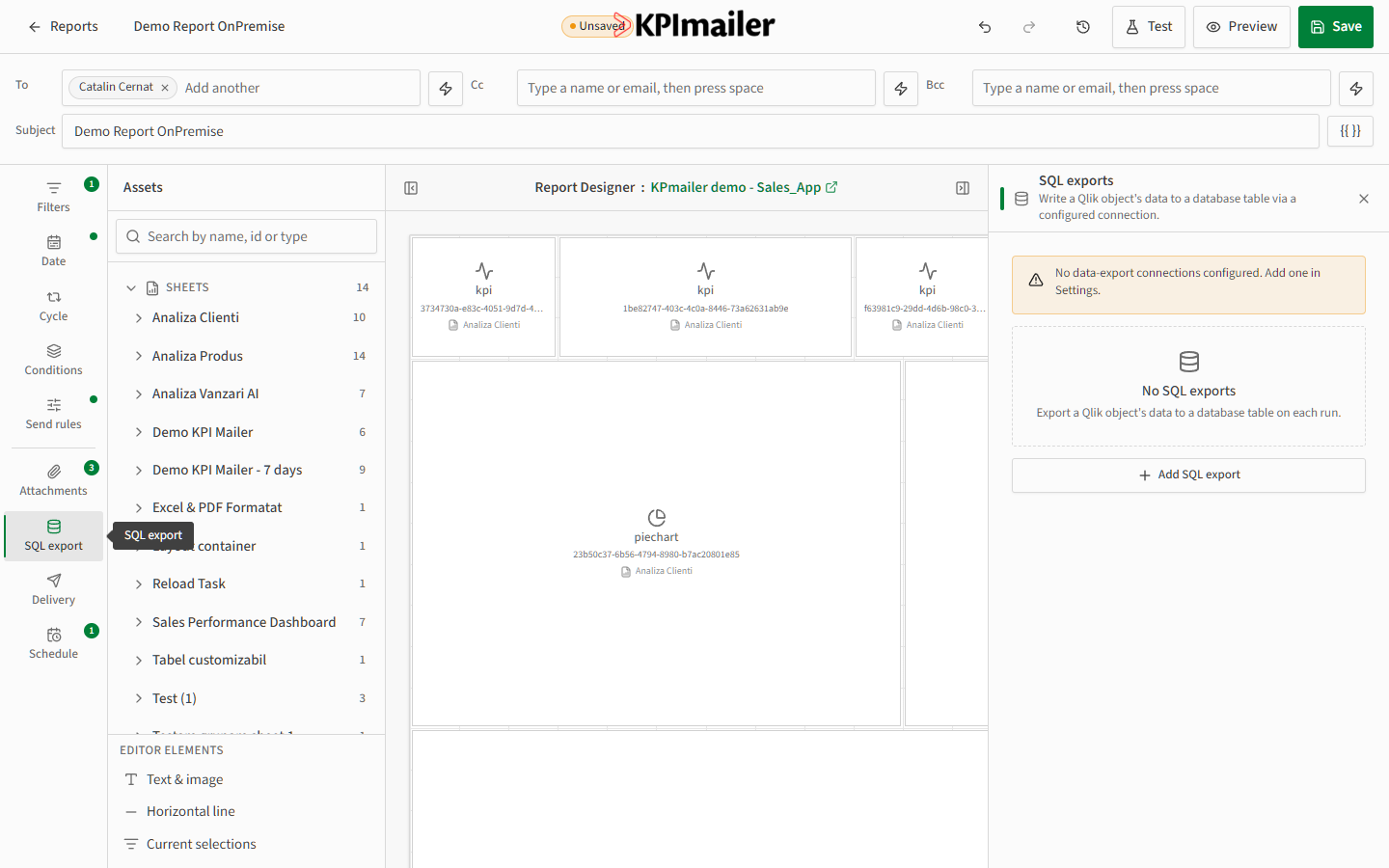
- Open the SQL export tab in the data-scope rail.
- Select Add SQL export.
- Choose the Qlik object whose data should be exported, and the data destination (database connection) to write it to.
- Set the destination table name and how rows should be written - typically appended on each run, so the table accumulates a history over time.
Worked example
Section titled “Worked example”A planning team wants their daily sales figures to land in a reporting database
automatically, without anyone opening Excel. An administrator first adds the database under
Settings → Data destinations, then the report’s author adds a SQL export pointing at
the sales table object, targeting a daily_sales table in that database. From then on, every
scheduled run both emails the report and appends a fresh row of figures to the table.