Profile
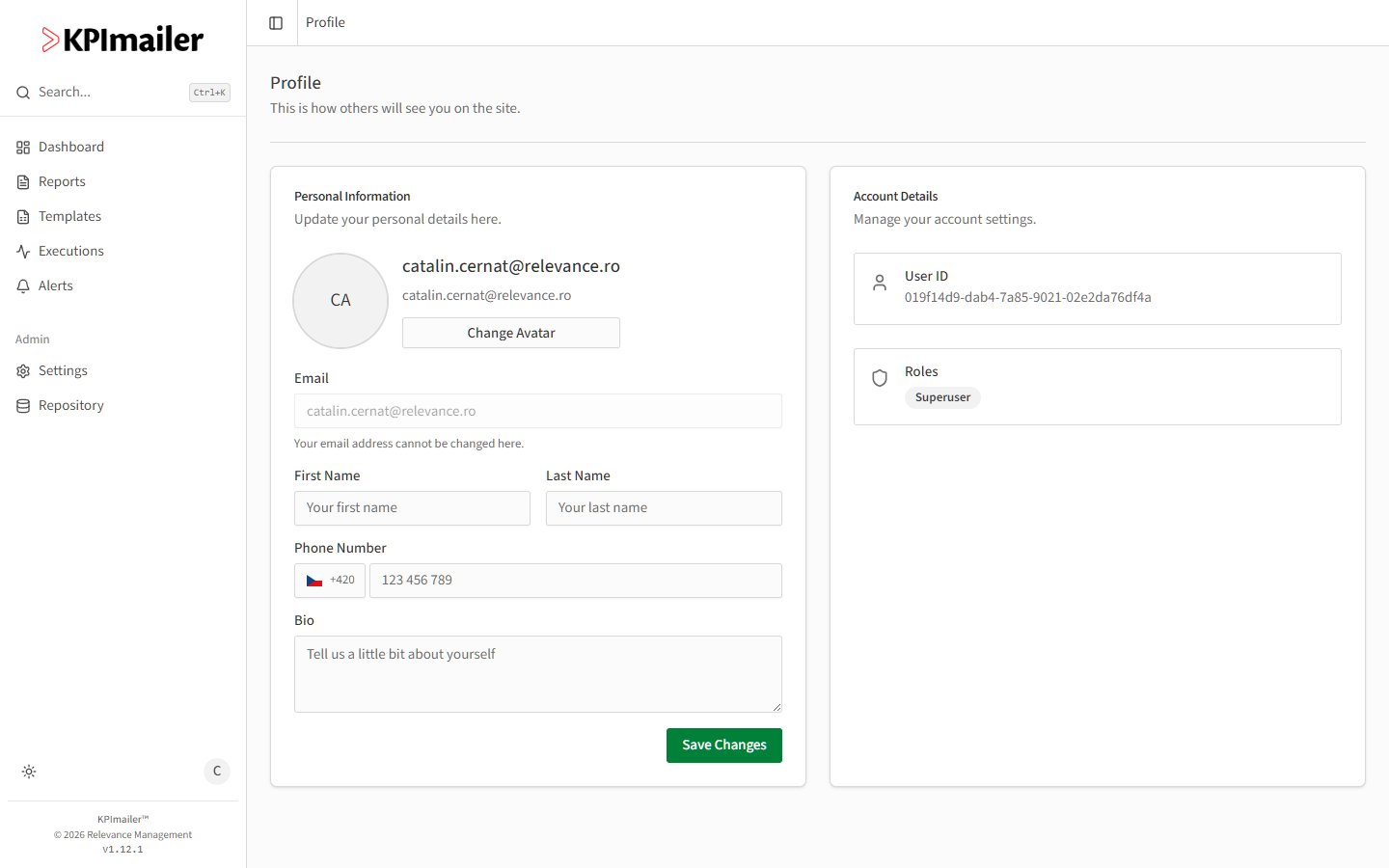
Manages how you appear to others in KPImailer: your name, avatar, phone number, and a short bio.
-
Select your avatar in the top-right corner, then Profile.
-
Select Change Avatar to upload a picture.
-
Fill in First Name, Last Name, a Phone Number (with country code), and an optional Bio.
-
Select Save Changes.
Your Email is shown but can’t be changed from this page - it’s your login identifier. The Account Details card on the right is read-only: your User ID and your assigned Roles, set by an administrator under Users & roles.
Worked example
Section titled “Worked example”A new team member’s account was created with just their email. They open Profile, add their first and last name, upload a photo with Change Avatar, and add their phone number so colleagues can reach them - their name now appears instead of just their email address wherever KPImailer shows who did something.